Use Seller Assistant in your existing tools
Pull product data, check restrictions, sync suppliers, and manage FBA shipments directly from your own code, spreadsheets, or automation tools.
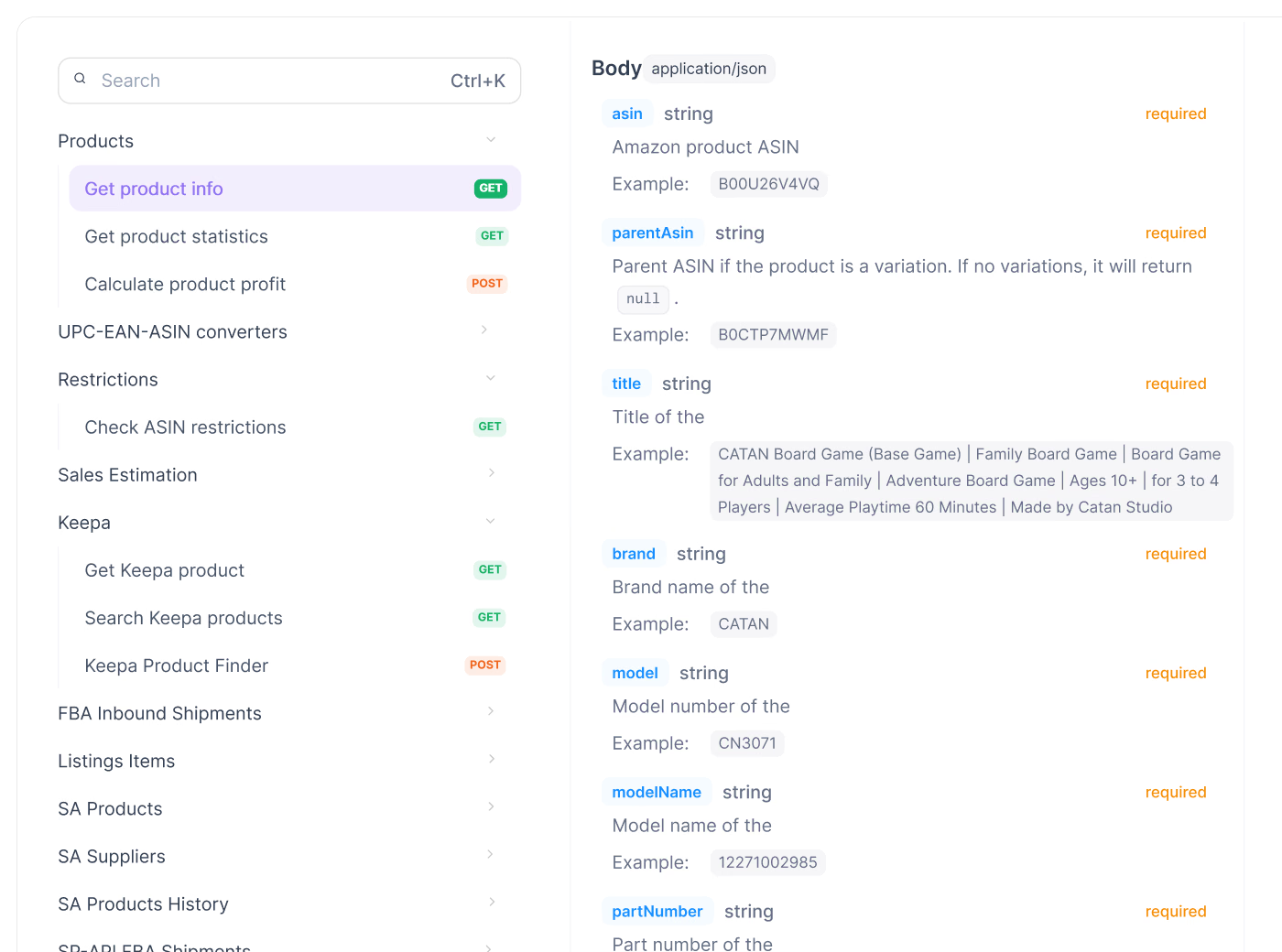
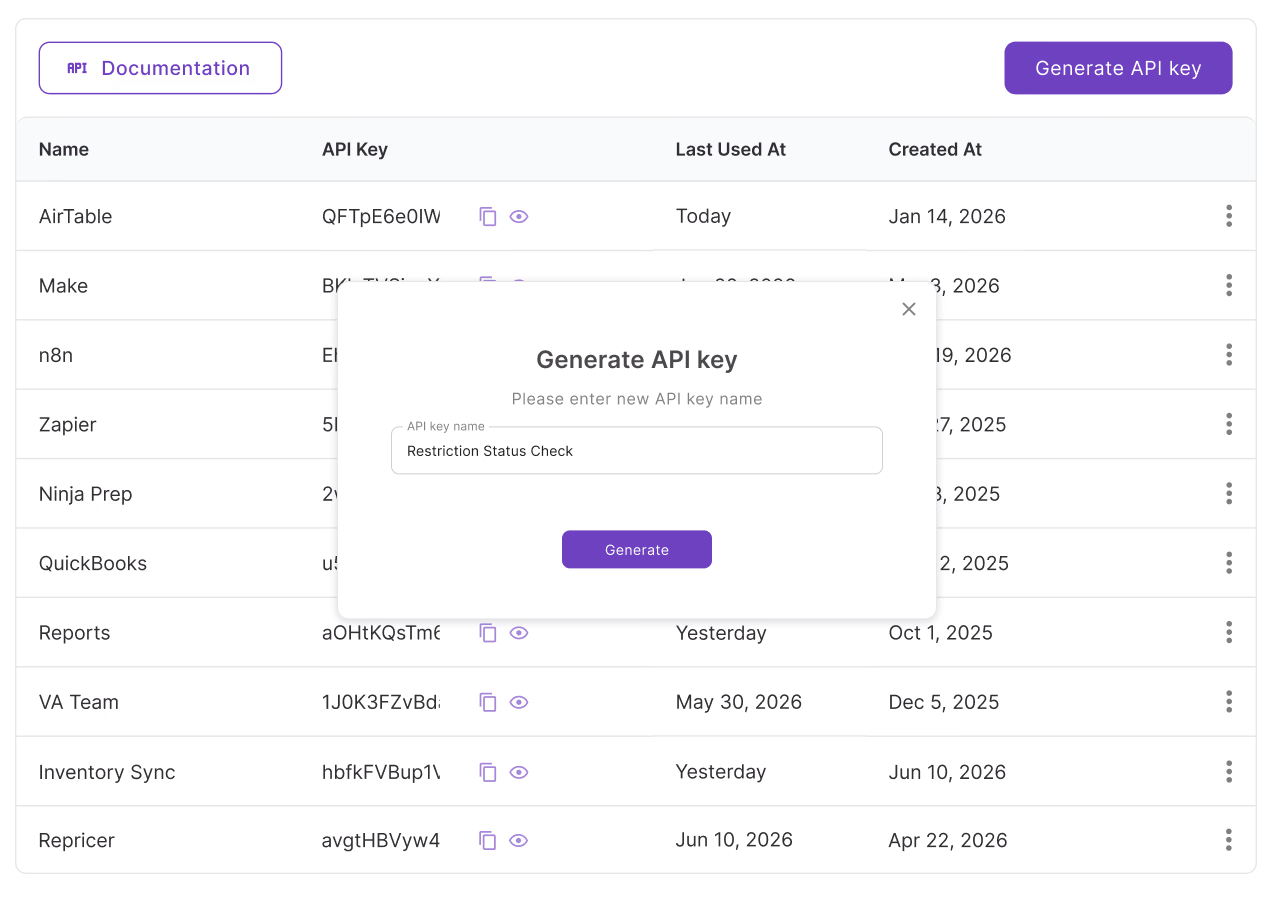
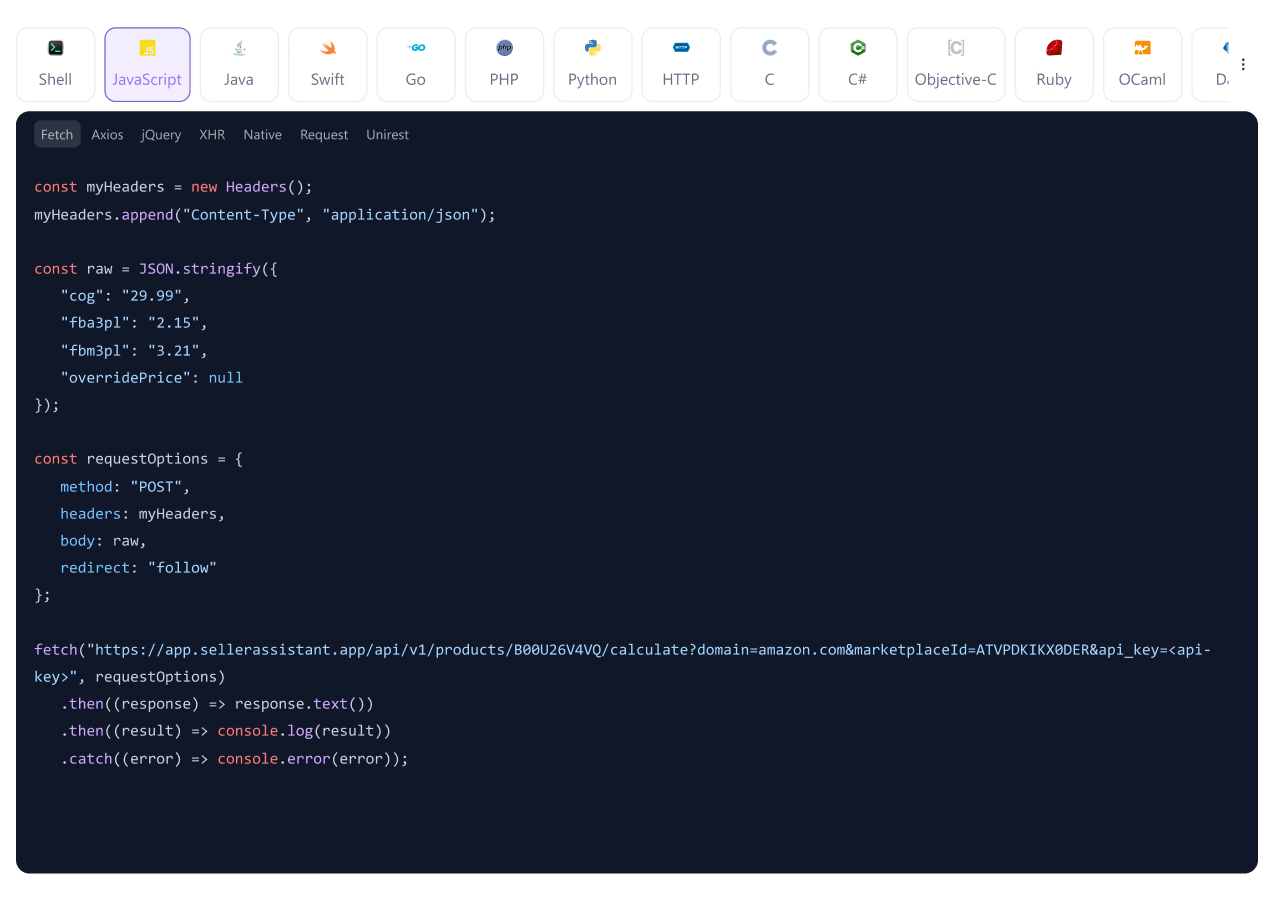
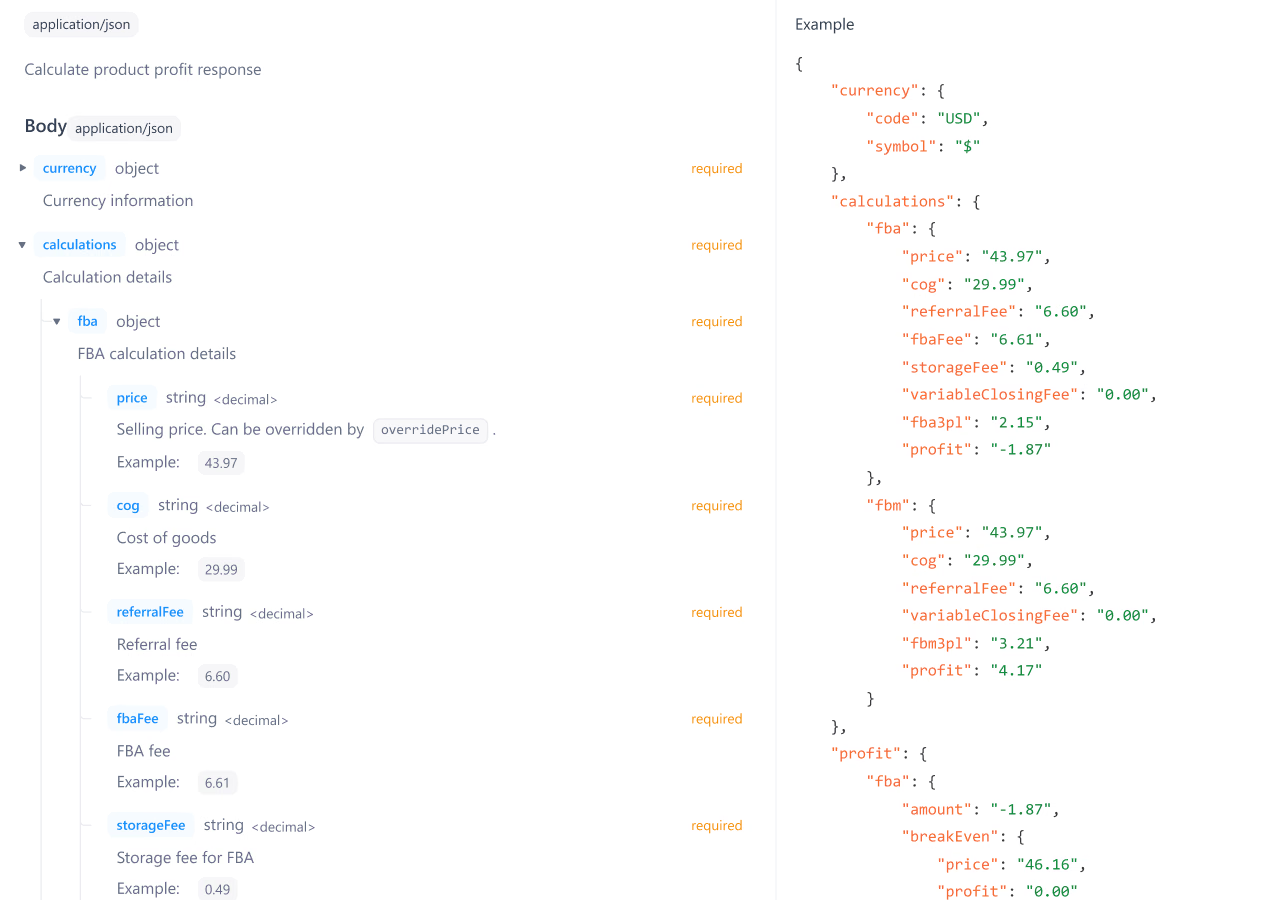
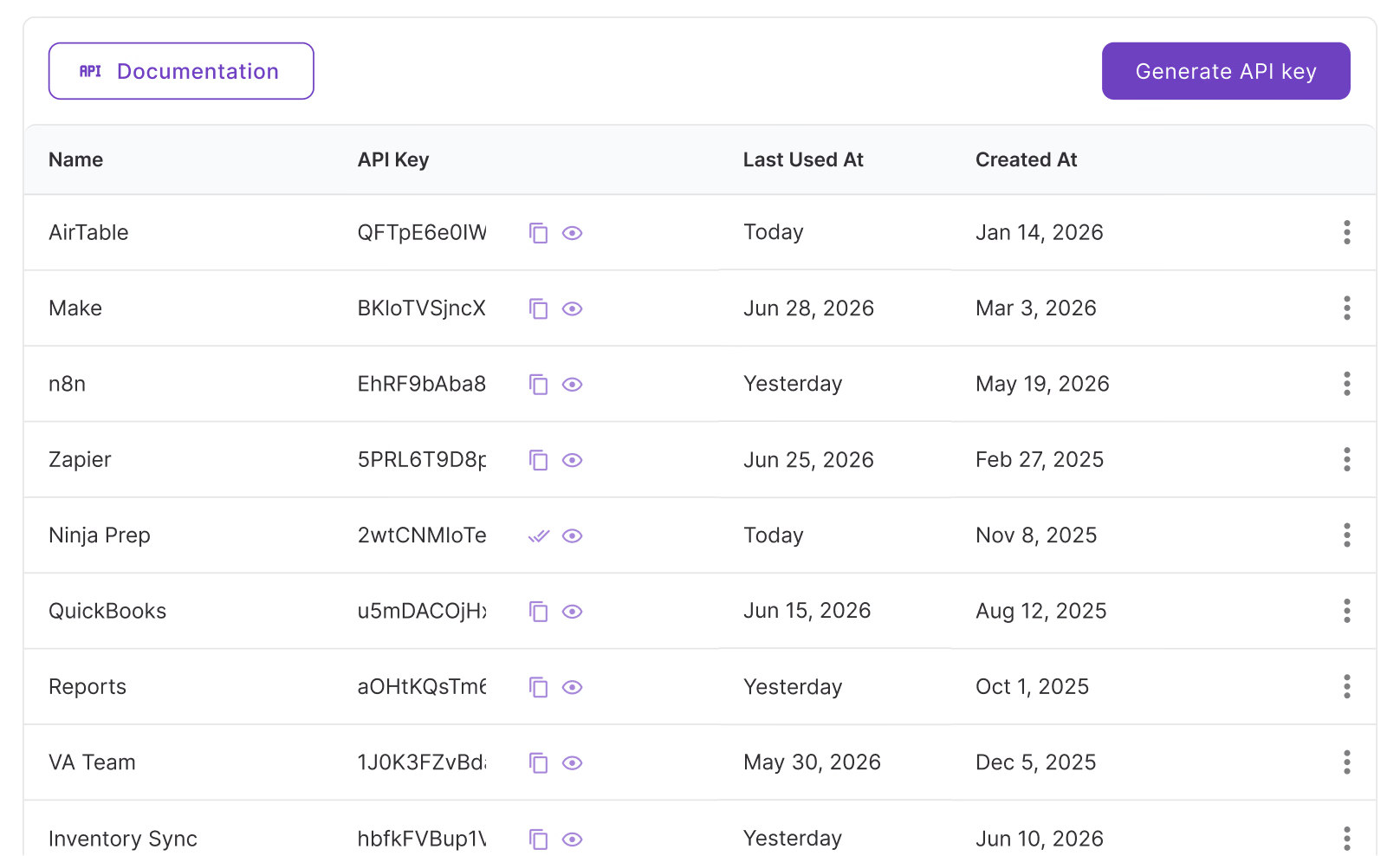
Three steps from API key to live data in your system
No file to upload, no report to wait on — your request goes out and the answer comes back in seconds.
As your operation grows, your tools should do more
Batch limits, one-way exports, and actions that still needed Seller Central open. The API removes all three.
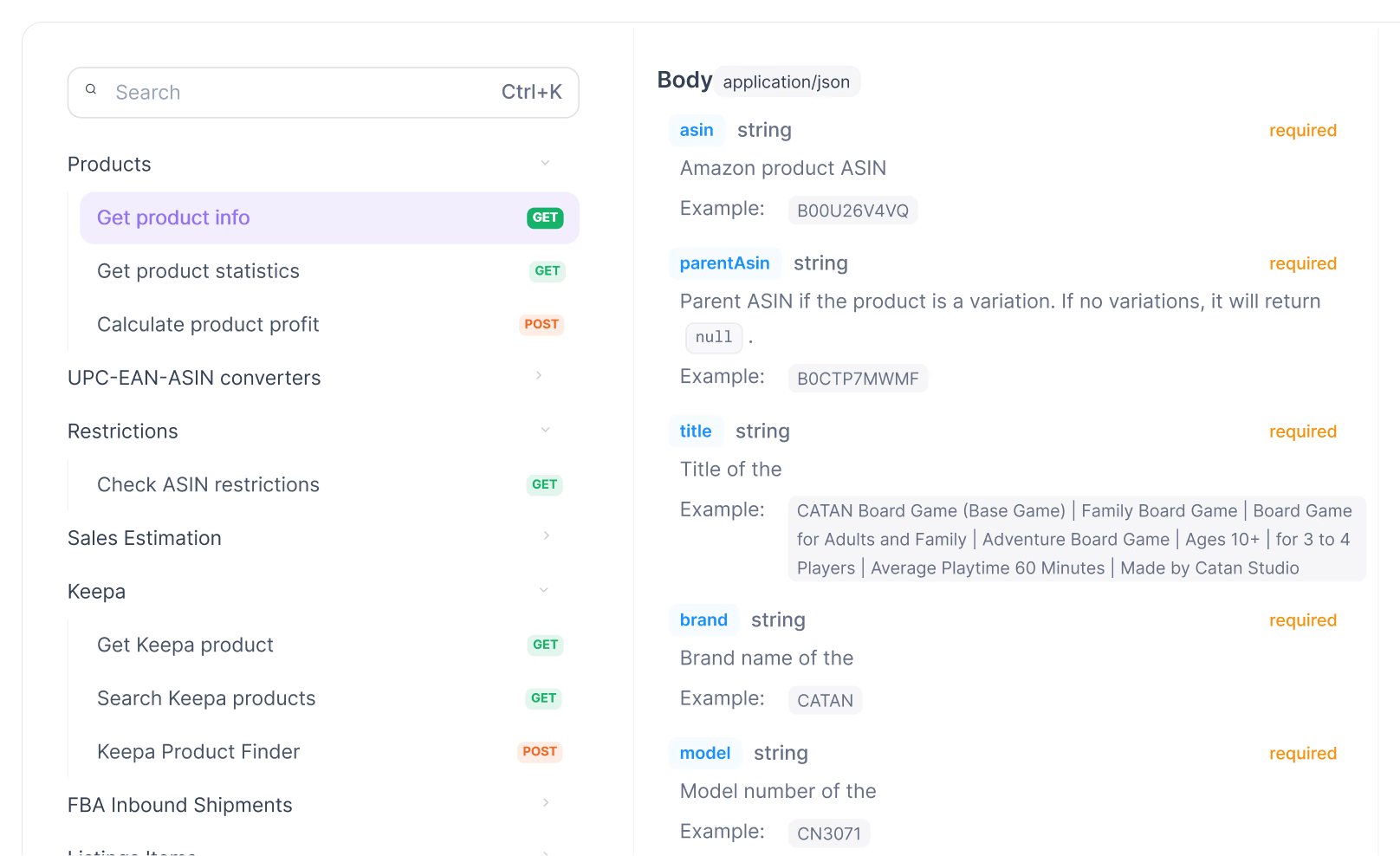
Every ASIN, no batch limit
Checking data one upload at a time stops working once volume grows. Call the endpoint directly, for one ASIN or a hundred thousand, and get the same structured answer every time.
Your own systems, kept current automatically
Connect Seller Assistant data to a system your team already runs, and changes flow both ways instead of needing a fresh export every time something changes.
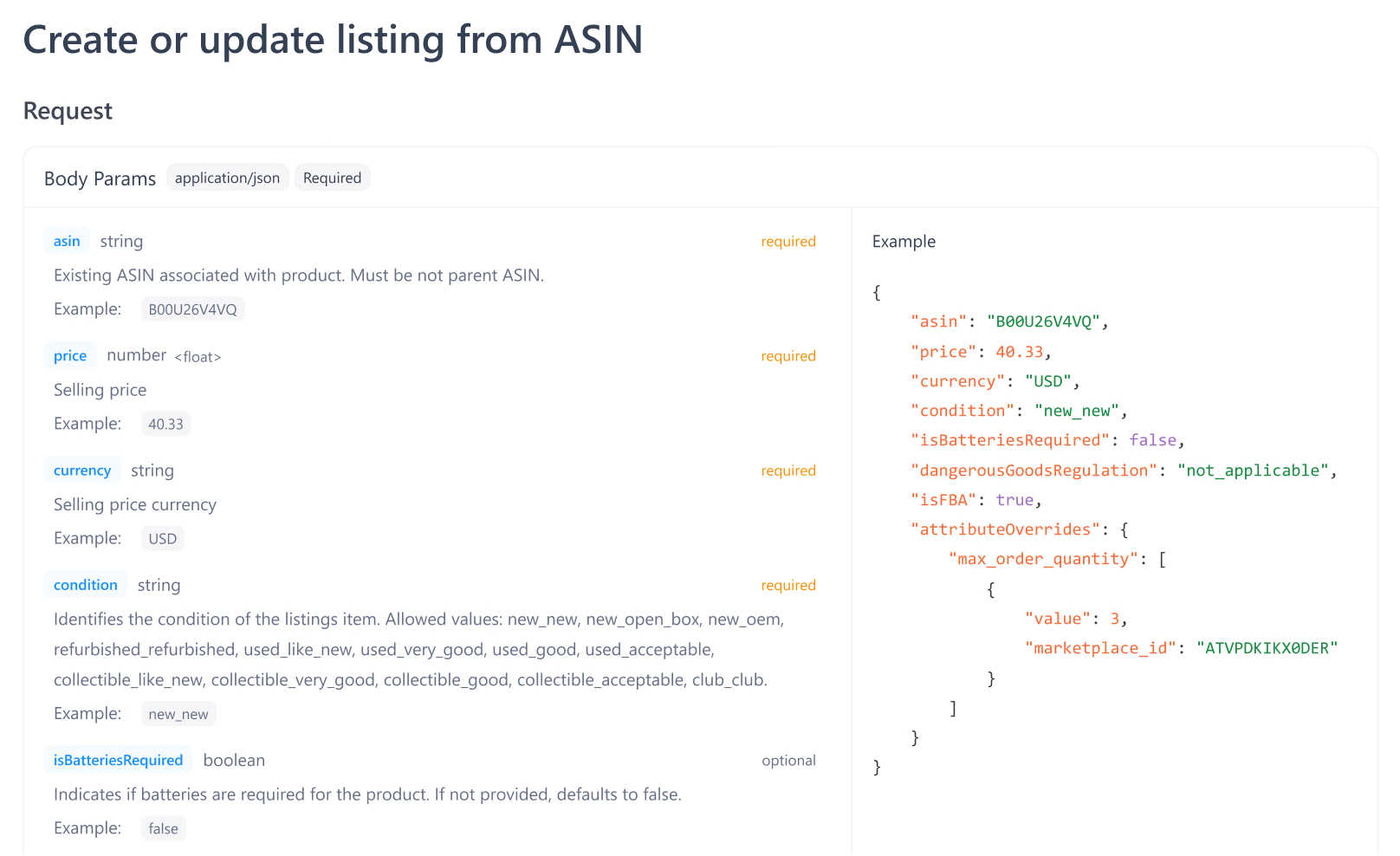
Trigger real actions, not just pull data
Create inbound shipments, push listings live, and update supplier records automatically. Wire our API into your own system, and the action fires the moment your workflow calls for it.
Every Seller Assistant capability, available as an endpoint
From upload to approval — everything in between
Products
Look up any ASIN for title, brand, category, and BSR, or calculate profit and fees before you commit.
Restrictions
Check whether an ASIN is sellable, gated, or blocked for your account.
Suppliers
Create, update, and list supplier records and their product offers from your own system.
Shipments
List and manage inbound shipment plans, boxes, and items without opening Seller Central.
Listings
Search, create, update, or remove Amazon listings programmatically.
Keepa
Pull price history and sales rank data directly, the same source used across Seller Assistant research tools.
Build without writing a single request
Connect Seller Assistant to the platforms your team already runs on — no code required

Trigger automations across thousands of apps whenever your data changes.

Build visual workflows that move Seller Assistant data on your own schedule.

Sync product and supplier data directly into the bases your team already manages.

Run self-hosted automations linking Seller Assistant to your stack.
Don't need the API? Everything's already in the app
No API key, no setup — these tools run on the same data without writing a single request
Build and submit Amazon listings in batches, directly from your product pipeline.
Track all your Amazon SKUs with landed costs, statuses, and cost breakdowns in one view.
Match products to Amazon listings and calculate profit from any supplier price list.
Look up any ASIN, track supplier offers, and manage sourcing decisions in one place.
Frequently Asked Questions
Visit Help Center
How do I generate a Seller Assistant API key?
What is the Seller Assistant API rate limit?
Does the Seller Assistant API require a paid plan?
How do I authenticate Seller Assistant API requests?
Does the API require a connected Amazon Seller account?
Is there a sandbox environment for testing?
Ready to build on Seller Assistant?
Generate an API key and connect Seller Assistant to your own tools, workflows, and automations.
Not sure which plan fits your sourcing workflow? Chat with our team — we're happy to help.