Research wherever you source
See the profit, restrictions, and sales history behind every product, on Amazon product pages, search pages, storefronts, and supplier sites.



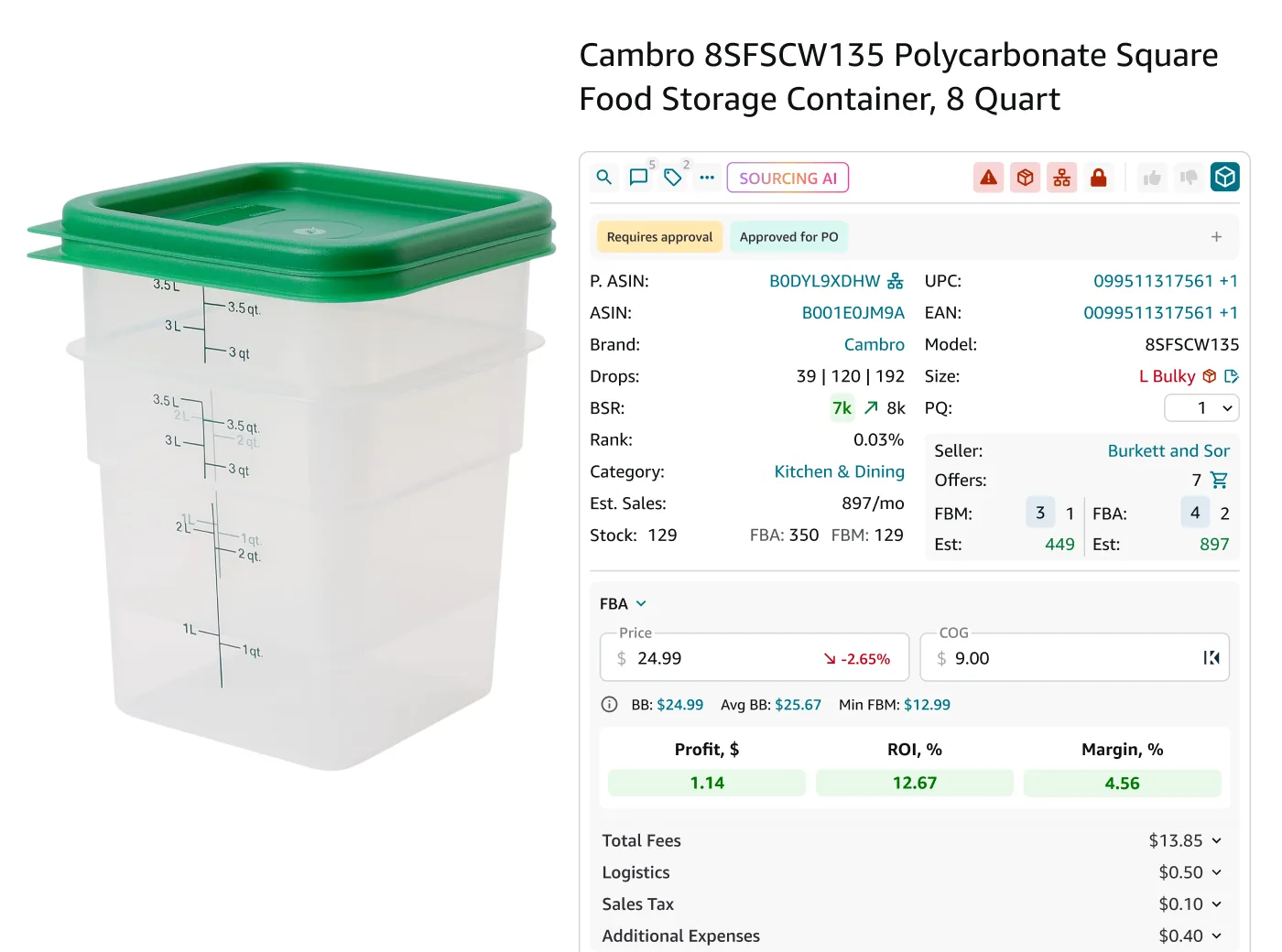
One extension. Every sourcing workflow
A complete sourcing view, automatically
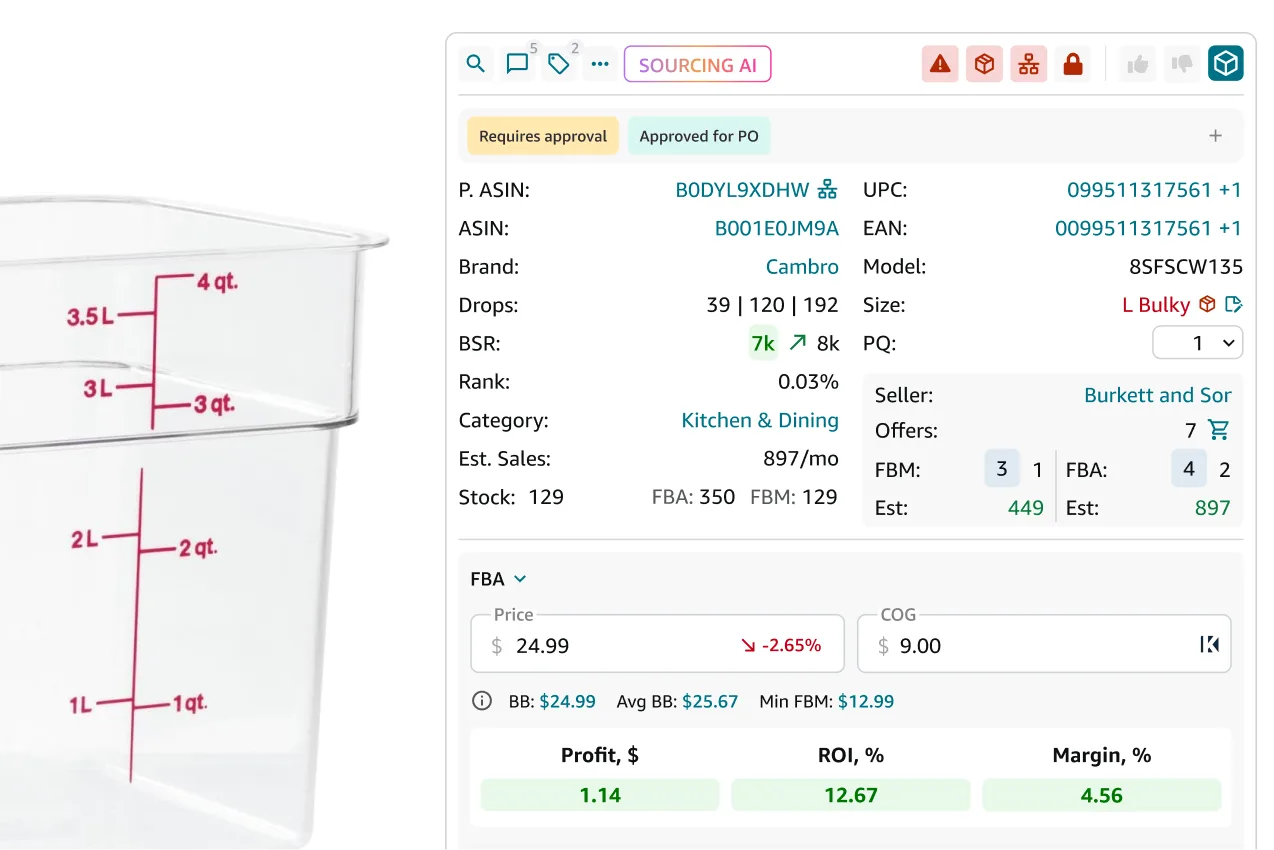
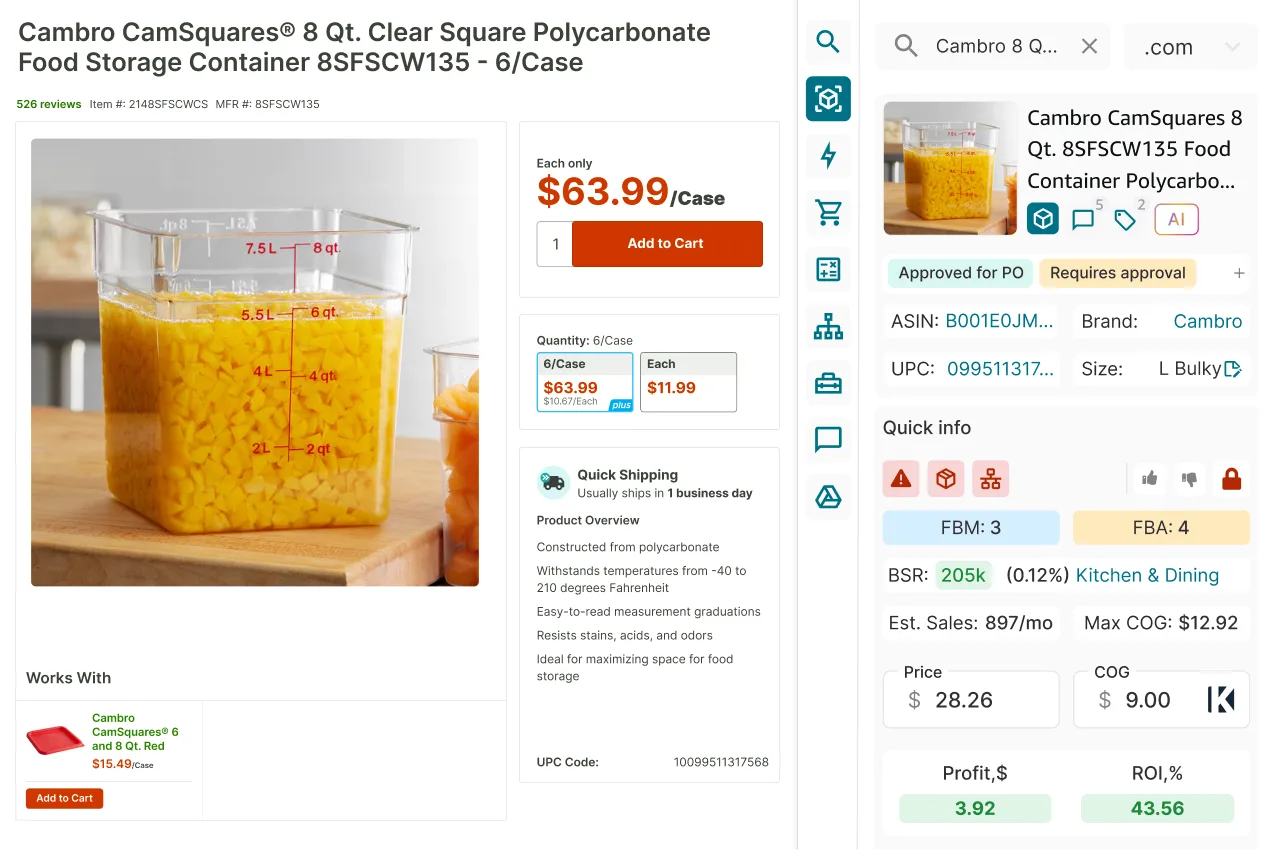
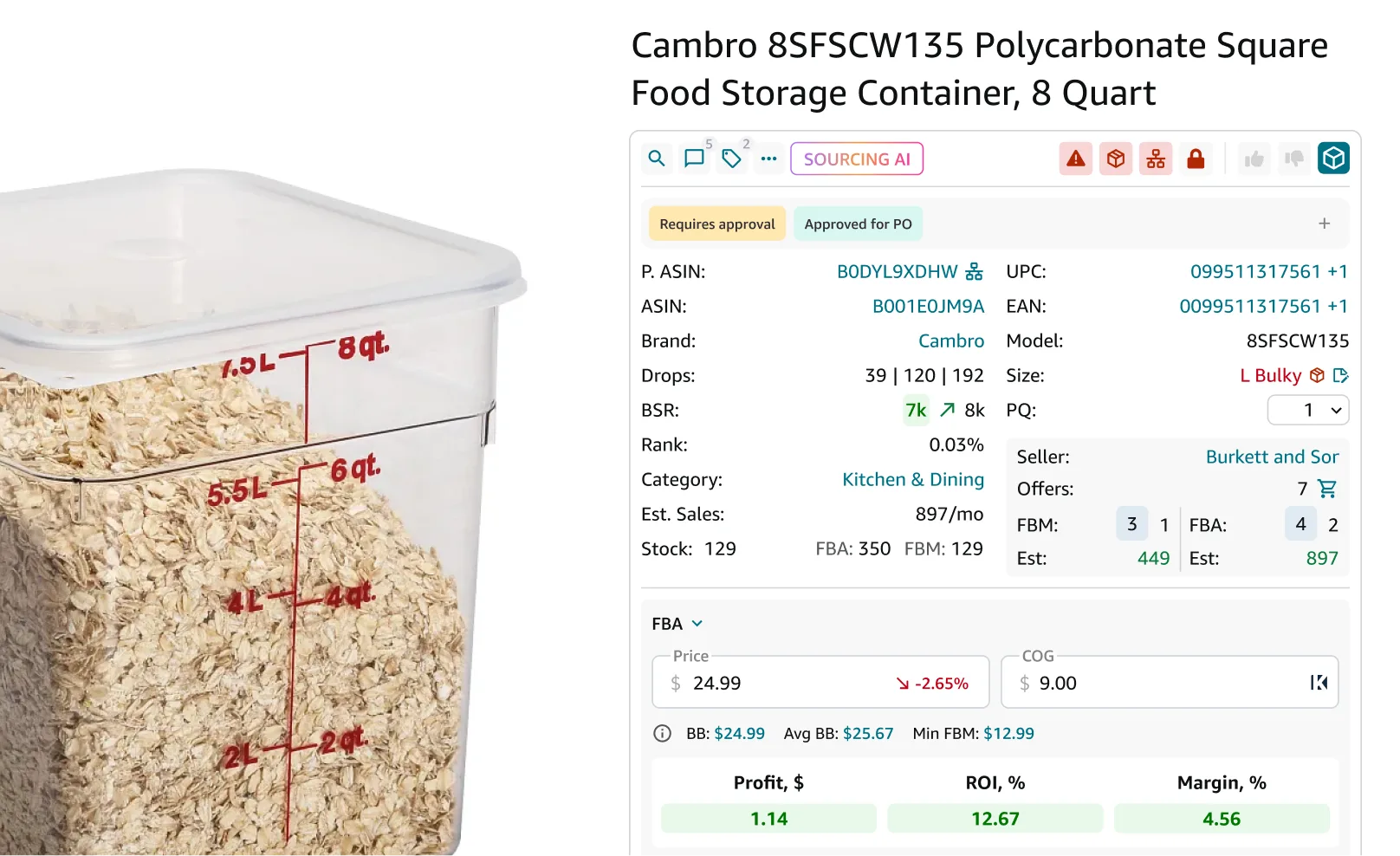
Every Amazon product page shows profit, restrictions, sales history, your notes, and supplier offers the moment it loads — no separate lookup, no calculator.
- Profit, ROI, and margin based on your costs
- Restrictions, hazmat, meltable, and other flags
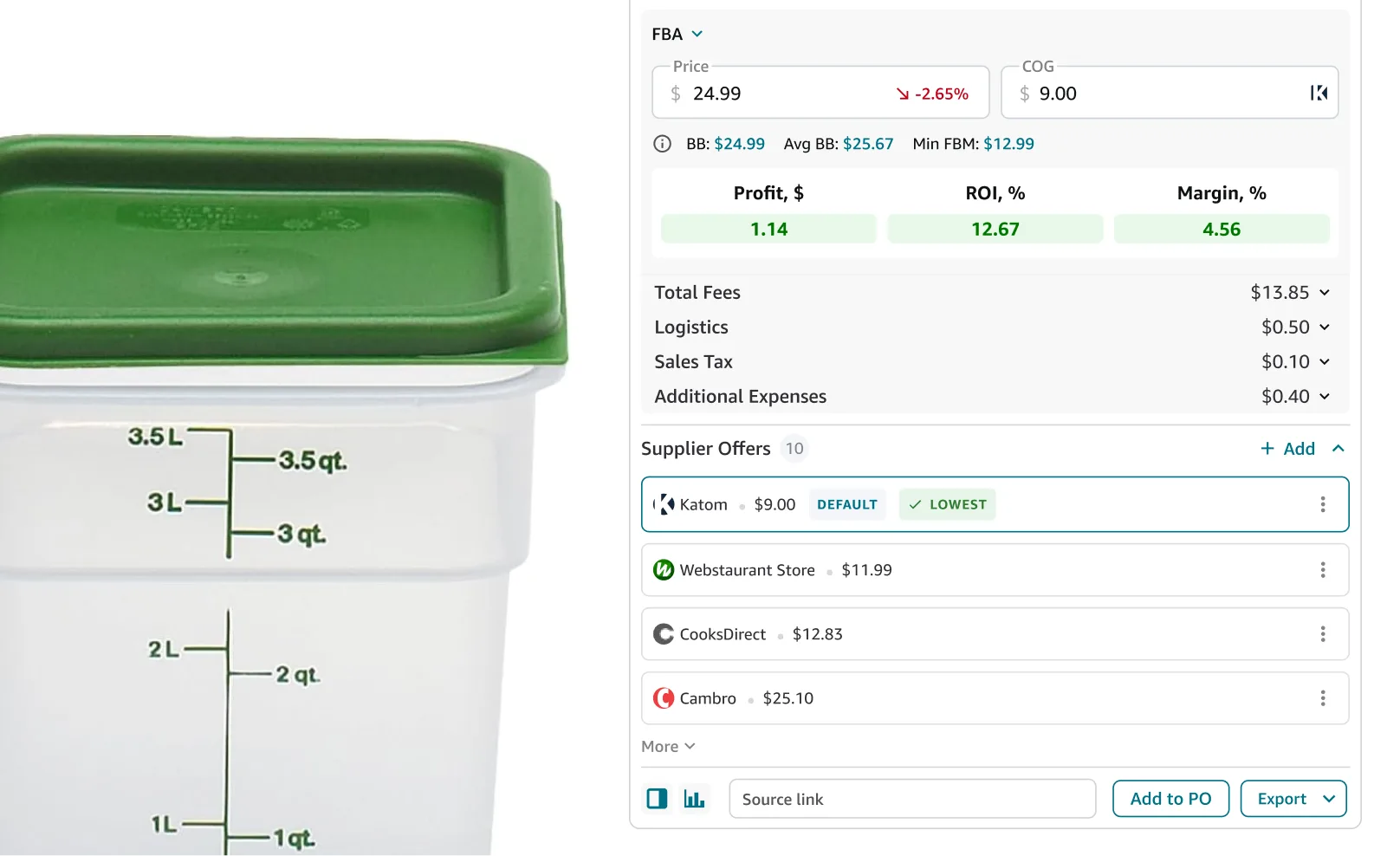
- Supplier offers and their impact on profitability
- Notes and tags for full sourcing history
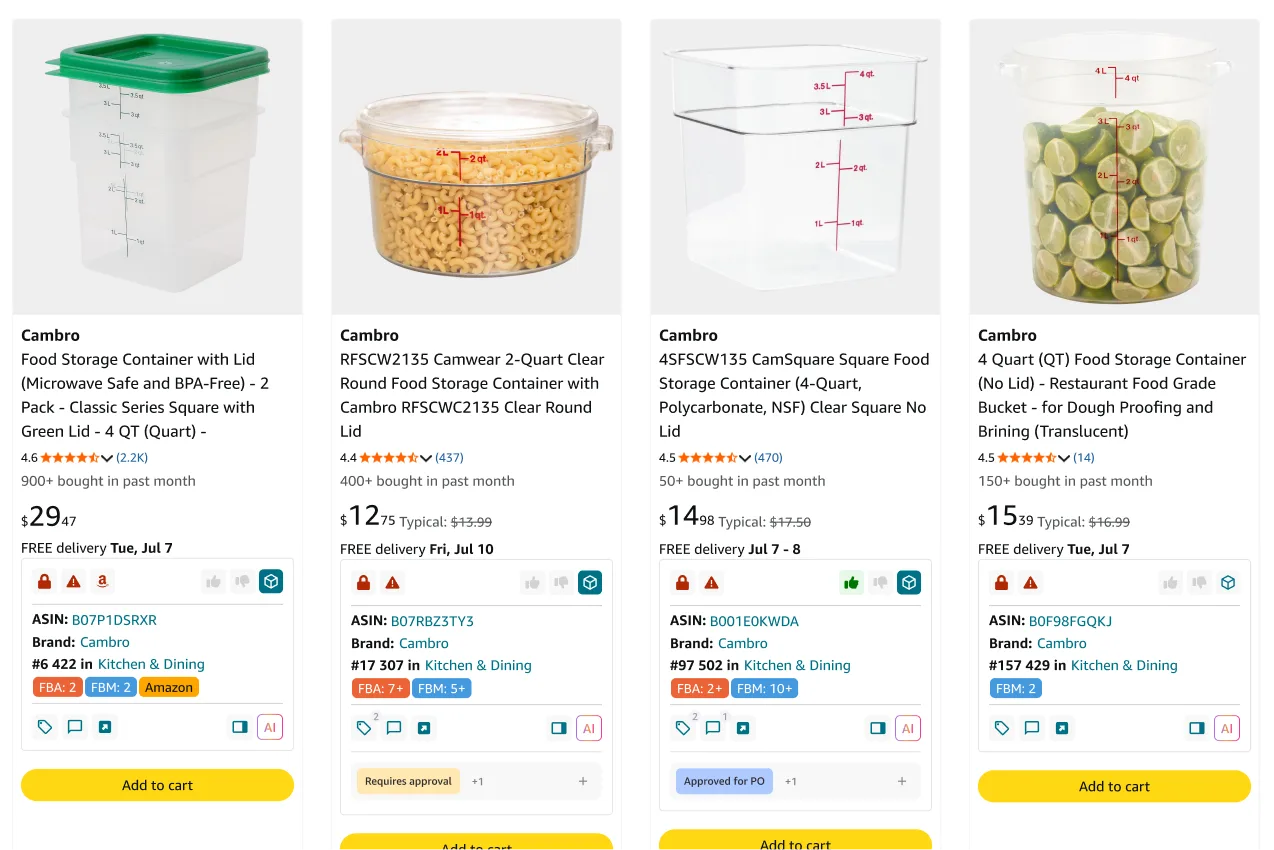
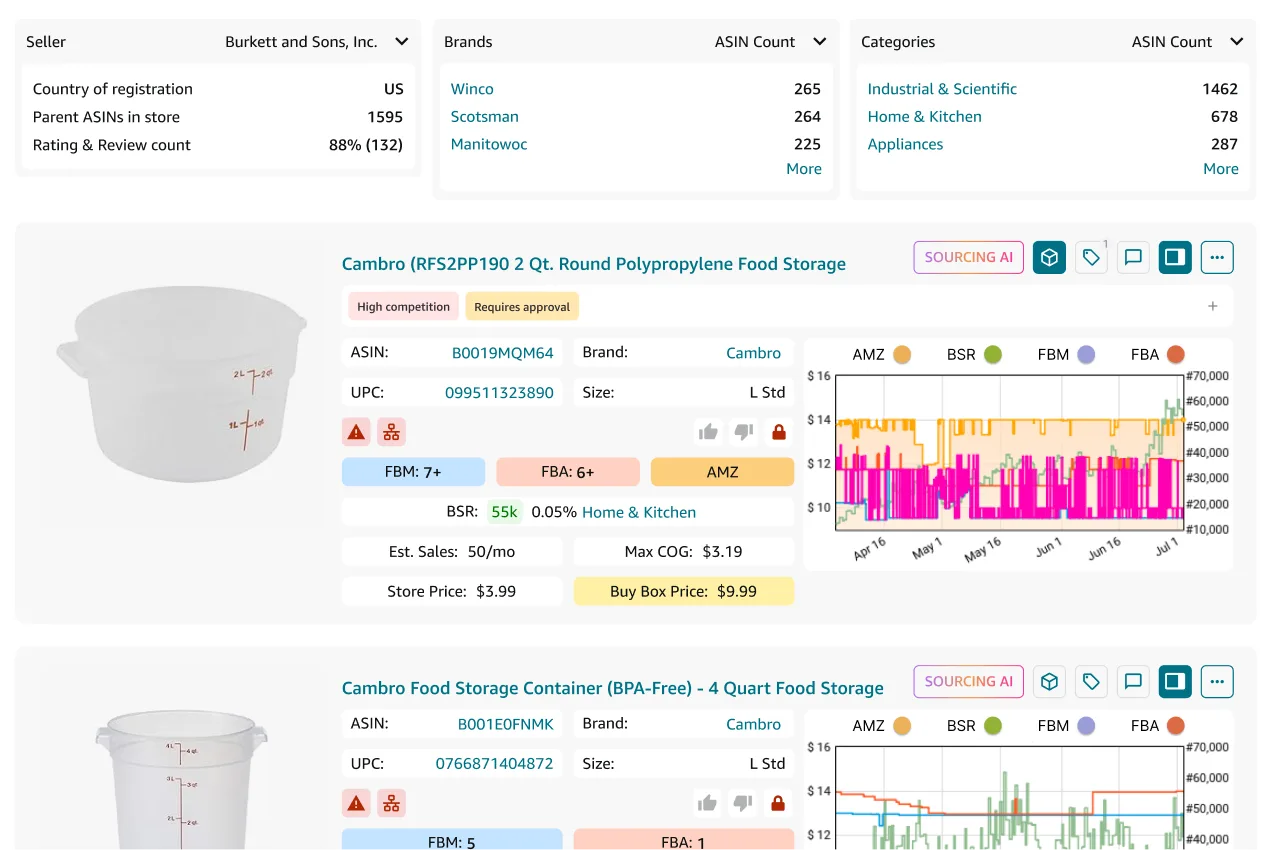
Every check used to mean leaving the page
Researching a product meant jumping between pages. Seller Assistant closes that gap.
Decide in one glance, not five tabs
Profit and every red flag (restrictions, hazmat, IP alert) appear together on the same listing, so you can move to the next product immediately instead of researching each one separately.
Compare supplier offers side by side
See which suppliers you work with carry this exact product and what your margin looks like with each one's price.
Who's selling, what sells, how it's trending
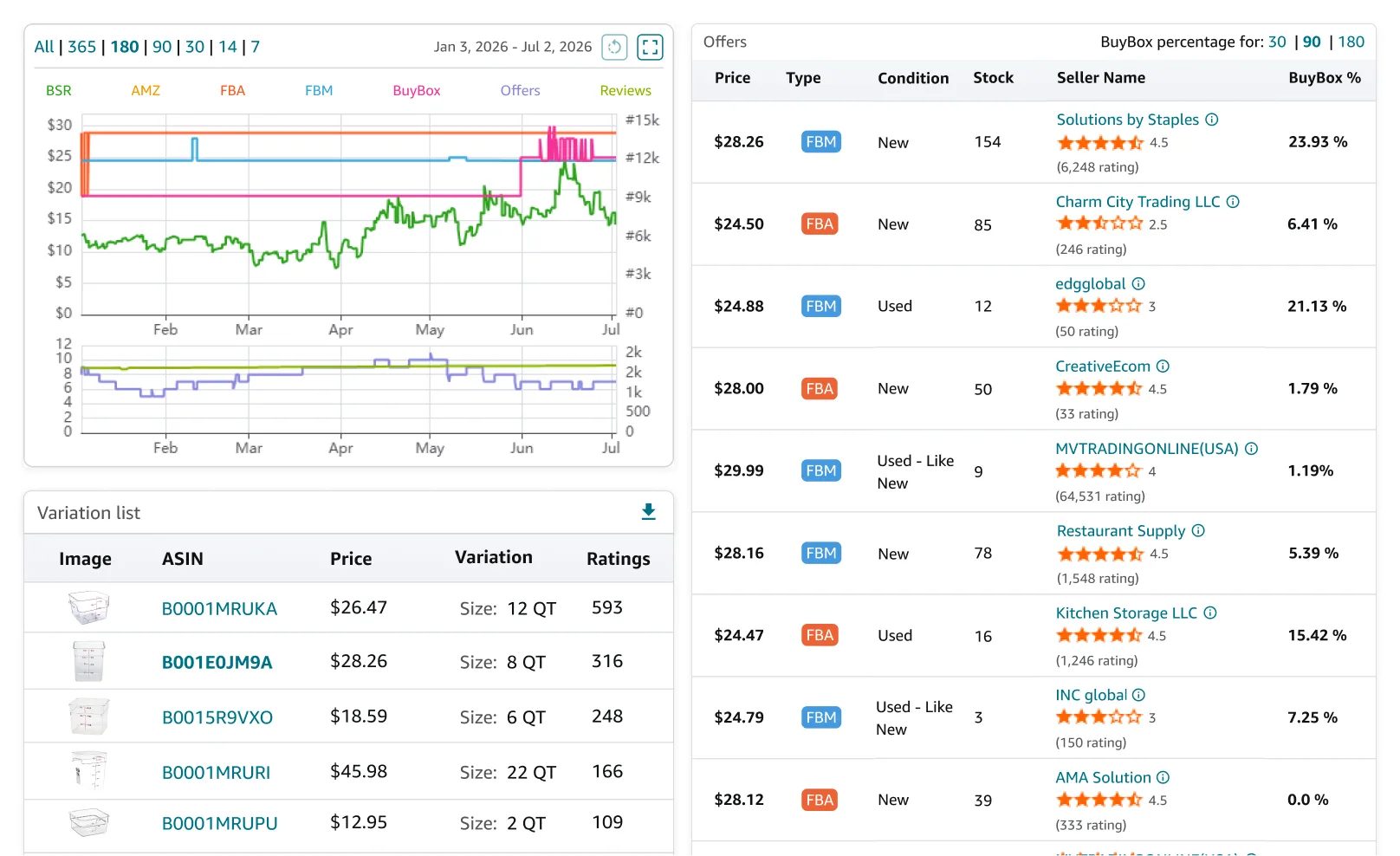
Every seller's offer, every variation's price and rating, and complete product performance data with BSR and price history since product launch — all without leaving the Amazon product page.
Every tool in the extension
Every insight and action available in the extension, so you can evaluate products without leaving the page.

Profit calculator
Calculate profit, ROI, taxes, and Max COG using your own costs.

Offers & stock counts
Compare offers, stock levels, and Buy Box pricing across sellers.

ASIN Grabber
Effortlessly capture product details from Amazon in bulk.

Eligibility checks
See whether your Amazon account can sell the product.

Notes & tags
Save research with notes and tags that sync across Seller Assistant.

Variation viewer
See every variation with its size, color, price, and rating.

Supplier offers
Compare supplier pricing and choose the best sourcing option.

One-click actions
Save products or launch deeper research directly from the page.

Alerts & flags
Identify hazmat, fragile, meltable, adult, and other selling risks instantly.
Build your pipeline without opening the app
Move products from research into your sourcing workflow with a single click.
Notes and tags you leave in the extension appear in price lists automatically.
Add a product to an existing PO or start a new one without opening the app.
Save a product from any page directly into your pipeline and compare supplier offers.
Launch a full brand analysis directly from the brand name on any product.
Research is only the first step
Move from product discovery to sourcing without leaving Seller Assistant.

Find a supplier for any brand or product without leaving the page.
Analyze
Start tracking a competitor's storefront the moment you spot one worth watching.
Discover
Upload a full list once you've flagged enough products worth checking.
Analyze
Create and update supplier records as you discover new opportunities.
SourceFrequently Asked Questions
Visit Help Center
What does the Seller Assistant Extension do?
Does the Seller Assistant Extension work on non-Amazon websites?
Which browsers does the Seller Assistant Extension support?
How does the IP Alert feature help me avoid issues with intellectual property complaints?
Can I export my product research data from the Seller Assistant Extension to Google Sheets?
What kind of alerts and notifications does the extension provide?
Ready to research without leaving the page?
Install the extension and bring Seller Assistant to every Amazon page, competitor storefront, and supplier website you browse.
Not sure which plan fits your sourcing workflow? Chat with our team — we're happy to help.